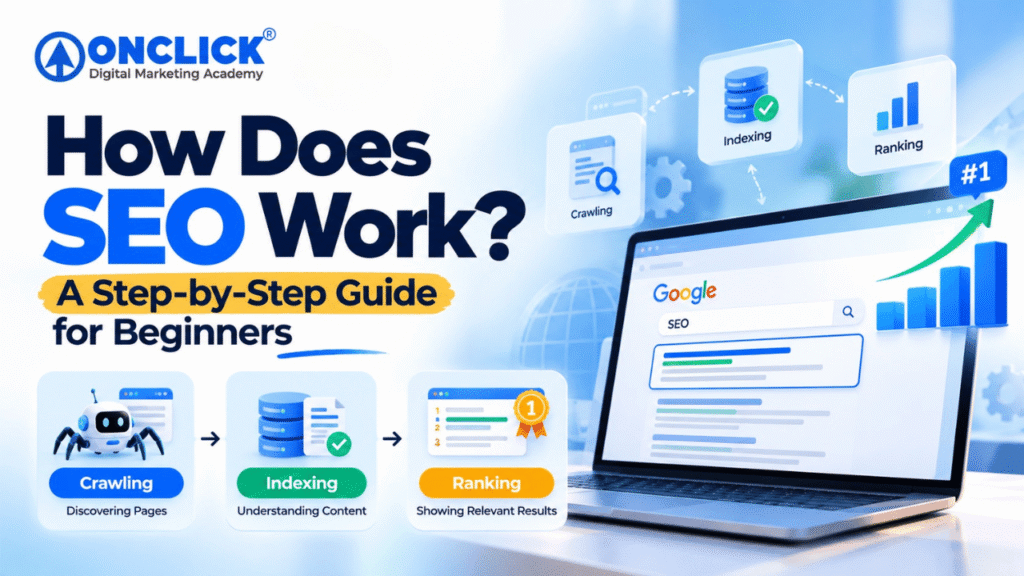
Crawling is the process through which search engines discover and access webpages.
Search engines use automated programs called crawlers, bots, or spiders.
Google’s crawler is commonly known as Googlebot.
Think of a crawler as a digital explorer.
It visits webpages, accesses their content, follows links, and discovers other URLs.
For example, imagine a website has this structure:
Homepage
↓
Digital Marketing Course
↓
SEO Course
↓
SEO Blog
If the SEO course page contains a link to an SEO blog article, search engines can follow that link and discover the article.
This is one reason internal linking is important.
How Do Search Engines Discover New Pages?
A search engine can discover URLs through different sources.
These may include:
Suppose you publish a new blog called:
“How Does SEO Work? A Step-by-Step Guide for Beginners”
If another page on your website links to this article, search engines can potentially discover the new page through that internal link.
An XML sitemap can also help search engines understand the URLs that a website considers important.
However, submitting a sitemap does not guarantee that every URL will automatically be indexed.
Why Internal Linking Matters
Internal links are links that connect one page on your website to another page on the same website.
For example:
SEO Blog → SEO Course
or:
Digital Marketing Course → SEO Course → SEO Blog
Internal links can help:
Search engines discover webpages
Users navigate your website
Connect related topics
Establish a logical website structure
Distribute internal signals between pages
For example, if you publish an article explaining SEO basics, you could naturally link to your dedicated SEO course page using relevant anchor text.
This creates a useful journey:
Informational Blog → Course Information → Enquiry
For an education website, this type of internal linking can be particularly useful
What Can Affect Crawling?
Search engines need to be able to access important pages.
Potential crawling problems can include:
Broken links
Server errors
Incorrect robots.txt configuration
Poor website architecture
Excessive redirects
Difficult-to-discover pages
Technical configuration problems
Poor internal linking
Technical SEO helps website owners identify and address these types of problems.