Digital Marketing Training Institute In Hyderabad

Learn the most in-demand digital marketing skills through live projects, AI-powered tools, and hands-on training.

Get Free Career Counselling

Overview Of Digital Marketing Course

Onclick Digital Marketing offers one of the best digital marketing training programs in Hyderabad. The course is designed for students, job seekers, entrepreneurs, and working professionals who want to build a strong career in the digital marketing field. The training covers a wide range of topics including Search Engine Optimization (SEO), Search Engine Marketing (SEM), Google Ads, Social Media Marketing, Content Marketing, Email Marketing, Affiliate Marketing, YouTube Marketing, Web Analytics, and much more. The program focuses on 100% practical training with real-time projects. Students will work on live campaigns and learn how to plan, execute, and manage digital marketing strategies. The faculty consists of experienced industry professionals with deep expertise in the field. The course is structured to meet the current industry requirements and help learners stay ahead in the digital space. Whether the goal is to secure a job, start a freelance career, or grow a business through digital marketing, this training provides all the necessary tools and techniques. Onclick Digital Marketing also offers placement assistance, connecting candidates with top companies in Hyderabad and other major cities. If you are looking for the Best Digital Marketing Training Institute in Hyderabad, Onclick Digital Marketing is a trusted choice for quality learning and career growth. Best Digital Marketing Training Institute In Hyderabad. 

Digital Marketing Training Institute In Hyderabad

Description

Onclick Digital Marketing offers an advanced and in-depth Digital Marketing Training Course in Hyderabad. The course is designed to provide complete knowledge of digital marketing concepts with a focus on practical application. The training program covers important areas like SEO (Search Engine Optimization), Google Ads (Pay-Per-Click), Social Media Marketing, Email Marketing, Content Marketing, Affiliate Marketing, Mobile Marketing, Video Marketing, Web Analytics, and many other modules that are essential in today’s digital marketing landscape. Students will gain hands-on experience by working on live projects. The course is regularly updated to reflect the latest industry trends, tools, and strategies. The training is suitable for students, business owners, marketing professionals, job seekers, and anyone interested in building a career in digital marketing. With the guidance of experienced trainers, practical assignments, and personalized attention, learners will develop strong skills that will prepare them for job roles in digital marketing or enable them to promote their businesses successfully. Onclick Digital Marketing also provides placement assistance, helping students connect with top companies for career opportunities. Best Digital Marketing Training Institute In Hyderabad. 

Digital Marketing Course Curriculum

  • What is Digital Marketing?
  • Scope of Digital Marketing
  • Requirement of Digital Marketing
  • Latest Trends in Digital Marketing
  • Digital Marketing for Working Professionals
  • Digital Marketing for Small, Medium, and Large Businesses
  • Job opportunities in Digital Marketing
  • Basic Navigation
  • Templates
  • Text and Typography
  • Images and Elements
  • Color Palette
  • Backgrounds and Layers
  • Shapes and Lines
  • Brand Kit
  • Collaboration
  • Exporting and Sharing
  • Advanced Features
  • Tips and Tricks
  • Design Basics
  • Creating Presentations
  • Social Media Graphics
  • Poster and Flyer Design
  • Logo Design
  • Print Materials
  • Animation
  • Photo Editing
  • What is Website?
  • What is Domain Name
  • Types of Domains
  • Domain name suggestions
  • Premium Domains
  • Register a Domain Name
  • Web Hosting Concepts
  • Domain/Hosting Business
  • Types of Websites
  • Popular CMS
  • What is WordPress
  • Benefits of using WP
  • WordPress Installation
  • Admin Interface Basics
  • Default Settings in WP
  • Types of Themes
  • Theme Settings and Customization
  • Managing Themes
  • Content management in WP
  • Categories, Tags and Posts
  • Pages and Sub Pages
  • Custom Content Types
  • Adding a menu to the website
  • Plugins and Widgets
  • Using Plugins in Site
  • Adding widgets to the website
  • The Best Plugins in WP
  • Practical WordPress Project Example
  • Introduction to Keyword Research
  • Types of Keywords
  • Keyword Research Methodology
  • Business Analysis
  • Product/Services Categorization
  • Google Keyword Planner Tool
  • In-depth Analysis with Keyword Planner
  • Other Keyword Tools
  • Competition Analysis
  • Manual Competition Analysis
  • Paid Competition Analysis tools
  • SEM RUSH
  • MOZ Tools
  • Additional Chrome Extensions
  • Finalizing the Keywords List
  • Introduction to Keyword Research
  • Types of Keywords
  • Keyword Research Methodology
  • Business Analysis
  • Product/Services Categorization
  • Google Keyword Planner Tool
  • In-depth Analysis with Keyword Planner
  • Other Keyword Tools
  • Competition Analysis
  • Manual Competition Analysis
  • Paid Competition Analysis tools
  • SEM RUSH
  • MOZ Tools
  • Additional Chrome Extensions
  • Finalizing the Keywords List
  •  
  • Introduction to On page
  • On page Analysis Methodology
  • Fundamental On-page Factors
  • Domain name in SEO
  • Importance of HTTPS
  • URL Optimization
  • Title Tag Optimization
  • Meta Tags Optimization
  • Content Optimization
  • Heading optimization
  • Internal Links
  • Image Optimization
  • Social Signals & Footer
  •  
  • Introduction to Off page (Link Building)
  • Link Building Guidelines
  • Types of Backlinks • Link Analysis Tools
  • Directory Submissions
  • Local Business Submission
  • Classified Posting
  • Q & A Backlinks
  • Blogging & Blog Comments
  • Guest Blogging
  • Press Release
  • Document Sharing
  • Other Advanced Strategies
  •  
  • Website Speed Optimization
  • Speed Analysis Tools
  • Sitemaps Generation
  • Robots.txt File
  • URL Redirecting Techniques
  • Canonical Links
  • Rich Snippets
  • New Updates in On page.
  • Google Search Console
  • What is Search Console
  • Features of Search Console
  • Site Verification Process
  • Location Targetting
  • Search Performance Tool
  • Link Analysis Tool
  • Manual Actions
  • Sitemaps Tool
  • Fetch as Google Tool
  • Crawl Errors Analysis
  • The Latest updates in Search Console
  •  
  • What is Local SEO?
  • Importance of Local SEO
  • Submission to Google My Business
  • Optimizing the GMB Profile
  • Local SEO Ranking Signals
  • Local SEO Negative Signals
  • Citations and Local Submissions
  • Google My Business Analytics
  •  
  • Algorithm Recovery Process
  • Types of Penalties
  • Manual Actions
  • Apply for Reconsideration
  • Algorithm Update Recovery Method
  • Compare the Before/After date
  • Panda recovery process
  • Penguin recovery process
  • Mobile friendly update
  • How to use DisAvow Tool
  • Reports Analysis
  • Google Analytics Reports
  • Search Console Reports
  • Website Position Analysis
  • Website Monthly Reports
  • Backlinks Reports
  • Paid Tools for monitoring
  •  
  • What Is Blog
  • Creating Blogs
  • Updating Blogs
  • Monitization Of Blogs
  • What Is Google Sites
  • Creation Of Google Sites
  • Updating Google Sites
  • Getting Traffic For Sites
  •  
  • Introduction to Paid Advertising
  • Google Ads Account setup
  • Interface Tour and Billing Settings
  • Account Structure
  • PPC Campaign Settings
  • Ad Group setup
  • Keyword Match Types
  • Keyword Research Tools
  • Ad Formats & Guidelines
  • Ad Extensions
  • Understanding Ad Auction
  • What is Quality Score
  • Factors to improve Quality Score
  • Actual CPC Calculation
  • Types of CPC’s
  • Bidding strategies
  • What is Conversion?
  • Implementing conversion tracking
  • Calculating ROI
  • What is DSA ?
  • Create a DSA Campaign?
  • Segments and Filters
  • Search Terms and Ad Auctions
  • Customization Tools
  • Generating Reports
  • Google Ads Express
  • What is Ads Express (Smart Campaign)
  • Benefits of Smart Campaign
  • Creating Campaign for Local Results
  • Bidding & Budgets Setup
  • Ad Creation
  • Reports
  •  
  • What is Display Advertising
  • How Display Ads Works
  • Creating a Display Campaign
  • Bidding Strategies
  • Targeting Option in Display Network
  • Exclusion options
  • Ad Formats and Sizes
  • Conversion Tracking
  • Display campaign reporting
  •  
  • What is Remarketing?
  • Benefits of Remarketing Strategy
  • Types of Remarketing Audience
  • Building Remarketing List
  • Building Custom Audience List
  • Creating Remarketing Campaign
  • Remarketing Ads Design
  • Dynamic Ads
  • Remarketing Lists for Search Ads (RLSA)
  •  
  • What is Shopping Campaign
  • Google Merchant Center account
  • Creating Business Store
  • Types of Product Feeds
  • Product Feed Properties
  • Dynamic Product Feeds
  • Creating a Shopping Campaign
  • Defining Product Groups
  • Monitoring Campaign
  • Reports of Shopping Campaign
  • State of Mobile Usage
  • Benefits of Mobile Marketing
  • Mobile Marketing Goals
  • App Creation Strategy
  • App Optimization Service (AOS)
  • Universal App Campaign
  • Call Only Campaign
  • Conversion Tracking
  • Reporting in Mobile Ads
  • Google Account Access
  • Access Levels
  • My Client Centre (MCC)
  • Google Ads Editor
  • Export / Import Details
  • Shared Library Features
  • Importance of Video Marketing
  • Types of YouTube Ads
  • Location Targeting
  • Bidding Strategies
  • Automatic Targeting
  • Adgroups Setup
  • Targeting Options in Video Ads
  • Types of Ad Formats
  • Ads Cost Options
  • Measuring the Results of Campaign
  • Conversion Tracking
  • Introduction to Bing Ads
  • Creating Bing Ads Account
  • Bing Ads Campaign
  • Exporting the Campaigns
  • Generating Reports
  • Bing Ads Certification
  • Introduction to SMM
  • What is Social Media?
  • Benefits of using SMM
  • Social Media Statistics
  • Goals of Social Media Marketing
  • Facebook Marketing
  • Types of Facebook Account
  • Personal Account Setup
  • Facebook business page setup
  • Types of Business pages
  • Cover Photo/Video Design
  • Page Settings & Options
  • How to Increase Facebook Likes
  • Facebook Content Strategy
  • Types of Posts and Statistics
  • Facebook Advertising
  • What is Facebook Ads
  • Types of Objectives
  • Popular Ads Campaigns
  • Defining Target Audience
  • Types of Targeting
  • Bidding & Budget Settings
  • Types of Ads
  • Designing FB Ads
  • Setup of Facebook Pixel
  • Conversion Tracking Pixel
  • Remarketing Strategy
  • Reports & Analytics
  • Twitter Marketing
  • What is Twitter?
  • Benefits of Twitter
  • How brands use Twitter
  • Customizing the profile
  • Profile Photo & Header Image
  • Types of Tweets
  • Content strategy for Twitter
  • How to increase Followers
  • Post your First Tweet
  • Analysis of Big Brands
  • What is HashTag?
  • Hashtags and its uses
  • How to use Trending #Tags
  • Tools for Twitter marketing
  • Twitter Analytics
  •  
  • Twitter Ads
  • Setup Twitter Ads Account
  • Types of Campaign
  • Create your Campaign
  • Followers Campaign
  • Traffic & Conversion Campaign
  • Targeting Options • Bidding & Budget
  • Twitter Ad Format
  • Image Ads • Video Ads
  • Twitter Cards
  • Conversion Tracking
  • Measuring Results (KPI’s)
  • Remarketing Strategy
  • Targetting Remarketing Audience
  •  
  • What is Video Marketing
  • Statistics of Video Marketing
  • Creating Channel in YouTube
  • Customizing the YouTube Channel
  • Types of Video Formats
  • Create video marketing strategy
  • Upload the First Video
  • Video Optimizing Tips
  • Video Settings
  • Cards, End Screens & Sub Titles
  • How to use Playlists
  • YouTube Creator Studio
  • Features of Creator Studio
  • YouTube Analytics
  • Increasing Subscribers
  • Understanding copyrights and spam
  • LinkedIn Marketing
  • What is LinkedIn?
  • Benefits of LinkedIn Network
  • Create a LinkedIn profile
  • Optimizing the profile
  • Skills and Endorsements
  • Creating new connections
  • Posting content in profile
  • LinkedIn Groups
  • Finding Jobs on Linkedin
  • Creating company page
  • Customization of page
  • Posting on LinkedIn Page
  • Why LinkedIn Ads
  • Types of Campaigns
  • Creating a Campaign
  • Bidding & Budget
  • Target Audience Settings
  • Types of Ads
  • Leads Generation Campaign
  • Conversion Tracking
  • Creating a Remarketing Campaign
  • LinkedIn Ad Reports
  • What is Instagram
  • Instagram statistics
  • How Brands use Instagram
  • Creating Instagram Account
  • Types of Instagram Accounts
  • Linking Instagram with Facebook
  • Tour of Instagram App
  • What works in Instagram
  • Types of Content (Posts & Stories)
  • Post Designing Tools
  • Stories & Highlights
  • Importance of Hashtags
  • How to use Hashtags
  • Popular Tools for Instagram
  • Engagement Metrics
  • Instagram Analytics
  • Instagram Ads
  • Types of Campaign
  • Creating your Campaign
  • Measuring Results
  • What is Slideshare?
  • Benefits of Slideshare
  • Create Slideshare Account
  • Optimizing the Profile
  • Top Slideshare Profiles
  • Document Creation Strategy
  • Types of Documents
  • Creating Documents
  • Optimizing Document
  • Embedding Documents in Website
  • Engagement Metrics
  • Slideshare Analytics
  • What is Pinterest?
  • Pinterest Statistics
  • How brands use Pinterest
  • Creating a Pinterest Account
  • Types of Accounts
  • Customizing the Profile
  • Pinterest Strategy
  • Boards on Pinterest
  • How to manage boards
  • Pins and Links
  • Generating Engagements
  • How to use InfoGraphics
  • Integrating Pinterest in Site
  • Engagement Metrics for Pins
  • Pinterest Analytics
  • Advertising options on Pinterest
  • Quora Marketing
  • What is Quora?
  • Quora Statistics
  • Benefits of Quora Marketing
  • Top Quora Users & Brands
  • Creating Quora Account (Personal/Company)
  • Optimizing the Quora Profile
  • Following Topics & Users
  • Understanding the Quora Policies
  • How to Answer the Questions
  • Engaging with Users
  • How to Increase Followers
  • Quora KPI’s
  • Quora Stats Tool
  •  
  • Creating Quora Ads Account
  • Types of Campaigns
  • Types of Audience Targetting
  • Bidding & Budget Settings
  • Types of Ad Formats
  • Implementing Conversion Tracking
  • Remarketing Integration
  • Types of Remarketing Audience
  • Creating a Remarketing Campaign
  • Measuring Results of Campaign
  • What is Email Marketing?
  • Importance of Email Marketing
  • Popular Email Marketing Software’s
  • Email Marketing Goals
  • Introduction to Mail Chimp
  • MailChimp pricing structure
  • Account setup and settings
  • Email marketing strategy
  • Creating a Subscriber List
  • Integration of Forms in Site
  • Import subscribers in list
  • Types of Email marketing campaigns
  • Email Marketing Campaign
  • What is Newsletter
  • Design a Newsletter
  • Analysing Reports of Campaign
  • What is Inbound Marketing?
  • Why use inbound marketing
  • Know your Target audience (Buyer Persona) Analysis
  • Stages of Inbound Marketing
  • Types of Content
  • How to generate Ideas.
  • Content Marketing Strategy
  • Lead Generation Technique
  • Landing Page Designing
  • How to Close Customer
  • Customer Delight Stage
  • HubSpot Certification
  • Introduction to Analytics
  • Implementing Analytics Code
  • Setup of Conversion Tracking Code
  • Types of Reports
  • Audience Reports
  • Acquisition Reports
  • Behaviour Reports
  • Conversions Reports
  • Google Tag Manager
  • What is RMT ?
  • Why we need RMT
  • Examples of RMT
  • Areas to analyse in RMT
  • • Search Engines
  • • Blogs & Websites
  • • Review Sites
  • • Complaint sites
  • • Social Media
  • Search Engine RMT Strategy
  • Autosuggestion & Related Searches
  • Search Engine Results
  • Image Search Results
  • Blogs & Websites RMT
  • Solutions for external websites
  • Complaint Sites RMT
  • Managing Reviews
  • Popular Review Sources
  • How to get Positive Reviews
  • How to respond to Negative Reviews
  • How to handle Fake Reviews
  • How to Manage Social Media RMT
  • Popular networks for RMT
  • Common RMT Issues
  • How to handle the issues
  • Action Plan for RMT Project
  • Tools for RMT
  • What is Google AdSense
  • How is Works?
  • Top AdSense Earners [Global / India]
  • AdSense Guidelines
  • Finding the Niche
  • Important Factors for AdSense Success
  • Types of AdSense Account
  • Applying for New Account
  • Create you first Ad
  • Ad Formats and Sizes
  • Bidding Models
  • Best Practices for Ads
  • Integrating Ads in Site
  • Blocking Sites & Categories
  • Reports Analysis
  • AdSense Optimization Tips
  • What is Remarketing?
  • Benefits of Remarketing Strategy
  • Types of Remarketing Audience
  • Building Remarketing List
  • Building Custom Audience List
  • Creating Remarketing Campaign
  • Remarketing Ads Design
  • Dynamic Ads
  • Remarketing Lists for Search Ads (RLSA)
  •  
  • What is YouTube Monetization?
  • What is YPP?
  • Eligibility Criteria for YPP
  • Most Popular Niches in YouTube
  • Top YouTube Channels
  • How to Select Niche
  • Types of Video Content
  • Guidelines for YouTube Publishers
  • How to apply for Adsense
  • Checking Advertising Revenue in YouTube
  • Reports in Google AdSense
  • Optimizing for YouTube Revenue
  • What is Affiliate Marketing?
  • How Affiliate marketing works
  • Types of Affiliate Networks
  • Top Affiliate Marketing networks
  • Affiliate marketing payment models
  • How to Find Profitable Niche
  • Develop your Affiliate Website/App/Property
  • Apply for Affiliate Marketing network
  • Amazon Affiliate Network
  • Integrating Amazon Products
  • How to promote Affiliate Products
  • Measuring Results on Affiliate sites
  • What is Freelancing?
  • How does freelancing works ?
  • Offline Freelancing Business
  • Registering Company
  • Initial Business Guidelines
  • Documentation & Quotes
  • How to manage clients
  • Online Freelancing networks
  • Create a Profile in Fiverr.com
  • Optimizing your Profile
  • Create your Gig
  • Types of Gigs
  • Optimizing the Gigs
  • How to Price your Gigs
  • How to bid on projects
  • How to handle the clients
  • Project management tools
  • Asking for reviews from clients

Who can learn this course

The Advanced Digital Marketing Course at Onclick Digital Marketing is designed to suit learners from various backgrounds. Anyone with an interest in digital marketing and a willingness to learn can join this program.
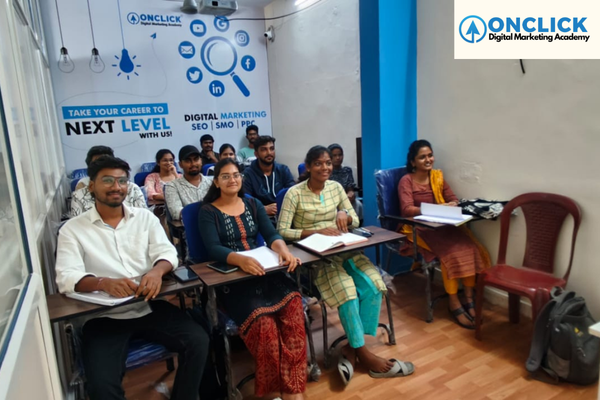
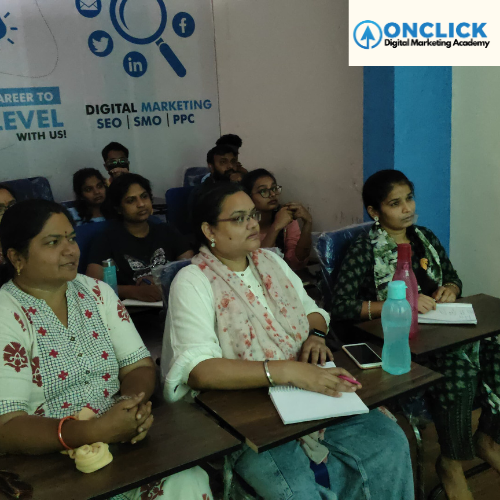
Classroom Training

Learn practically with expert trainers every day.

Online Live Training

Attend interactive live classes from anywhere.

Industry-Focused Curriculum

Learn updated skills with practical course modules.

Live Project Training

Gain real-world experience through live projects.
Tools

Digital Marketing Tools You Will Learn

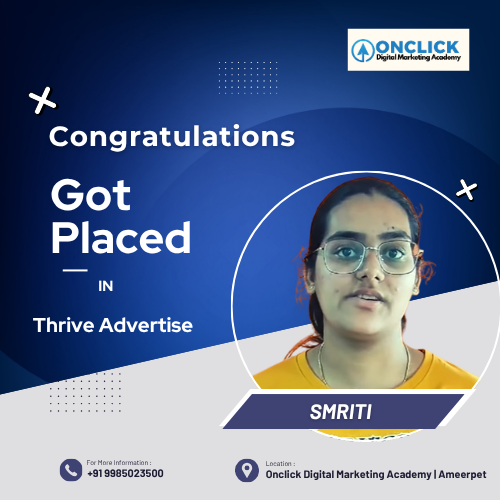
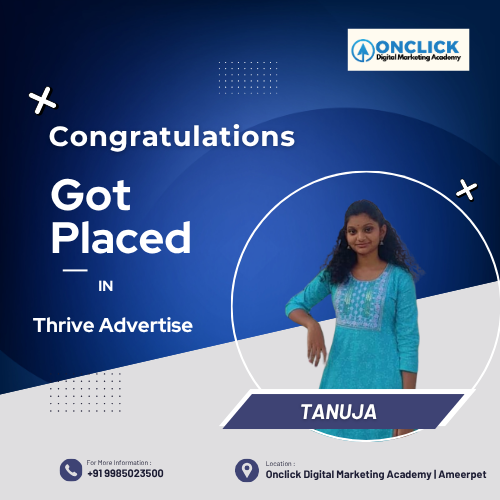
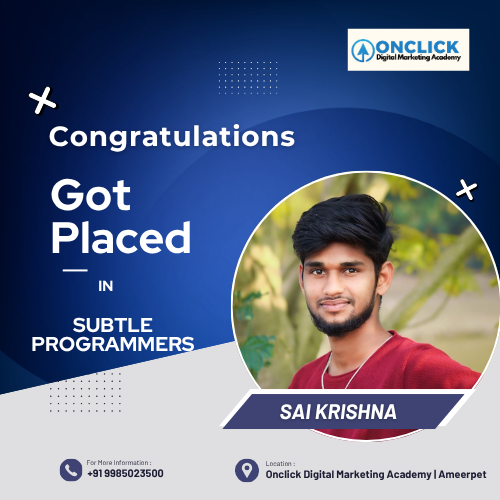
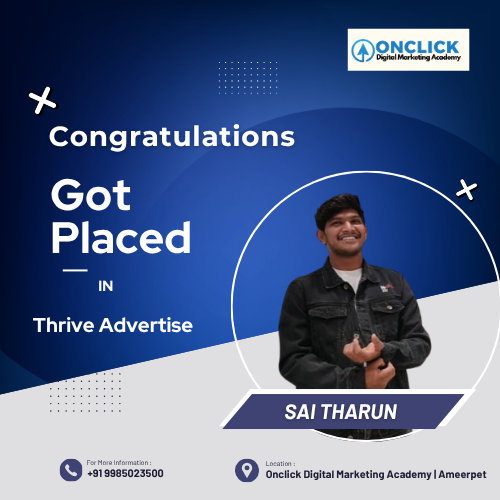
Companies That Hire Our Students

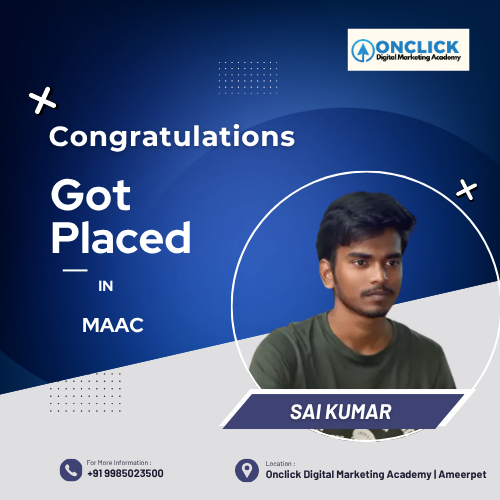
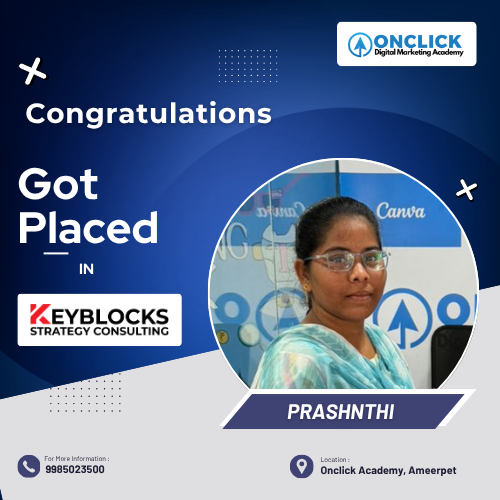
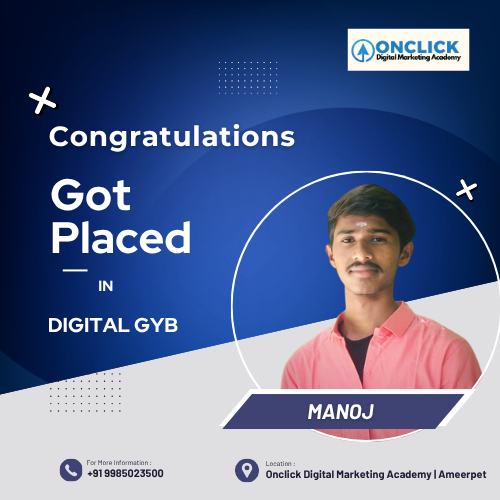
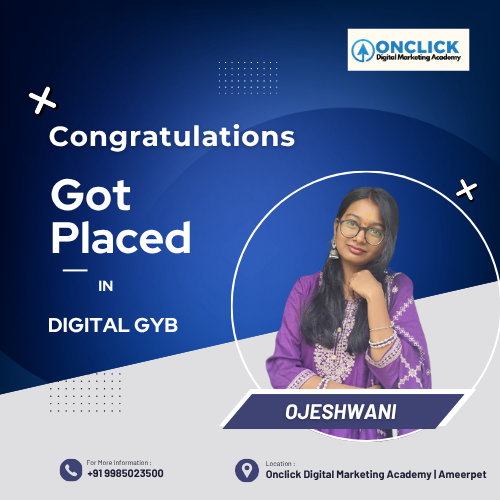
Dream. Learn. Get Placed

Learn digital marketing and get placed in trusted companies with strong job assistance.

Why Choose Onclick Digital Marketing Academy

Onclick Digital Marketing Is Best Digital Marketing Training Institute In Hyderabad With 100% Placement Assistance

9+ Years Of Industry Experienced Trainers

Currently We Are Maintaining 9+ Experienced Industry Trainers With Diversify Knowledge On Different Domains.

5+ Certifications In Digital Marketing

After Completing the course , we will provide 5+ certificates to boost up your profile.

3 Months Internship For Every Student

We Are Ready To Provide 3 Month Unpaid Internship To Our Students.

Placement Training & Portfolio Building

We Are Providing Separate Sessions For Placement Training , LinkedIn Profile Optimization, Mock Interviews.

100% Placements

We Are Very clear to provide 100% Placements

Business Case Study

You Need To solve business case study , You Need to find out what Marketing strategies they are using.

Student Reviews

What Our Students Say About Onclick

Frequently Asked Questions (FAQs)

Which Is the Best Digital Marketing Training Institute In Hyderabad ?

Onclick Digital Marketing Academy Is Best Digital Marketing Course Training Institute In Ameerpet Hyderabad.

 No prior experience is required. Basic computer and internet knowledge is sufficient.

 Yes, the course includes practical training with live projects and real-time campaign experience.

Yes, students receive a course completion certificate. Guidance is also provided for industry-recognized certifications (Google Ads, HubSpot, etc.).

 Yes, Onclick Digital Marketing offers placement support and helps students connect with top companies.

Yes. Onclick Digital Marketing Academy provides placement assistance, resume preparation, LinkedIn profile optimization, mock interviews, and career guidance to help students secure digital marketing jobs.

Yes. We offer both classroom and online Digital Marketing training to provide flexibility for students and working professionals.

You can apply for roles such as Digital Marketing Executive, SEO Analyst, Google Ads Specialist, Social Media Manager, Content Marketer, and more.

Ready to Build Your Career in Digital Marketing?

Join hundreds of aspiring marketers who have transformed their careers with practical training, live projects, industry-recognized certifications, and placement assistance. Take the first step toward becoming a job-ready digital marketing professional with expert guidance from Onclick Digital Marketing Academy.